
Managing Customer Roles - EBT / Wholesale
Click on "Users" in the sidebar
Assuming there are users in your market hub, hover over one and click "Edit"
Do NOT edit the set "Role" in the dropdown below username that is their primary role and should not be changed, it should always say Retail.
Instead, scroll down to "Additional Capabilities" and click on the "Other Roles" drop down. Select the role to add:
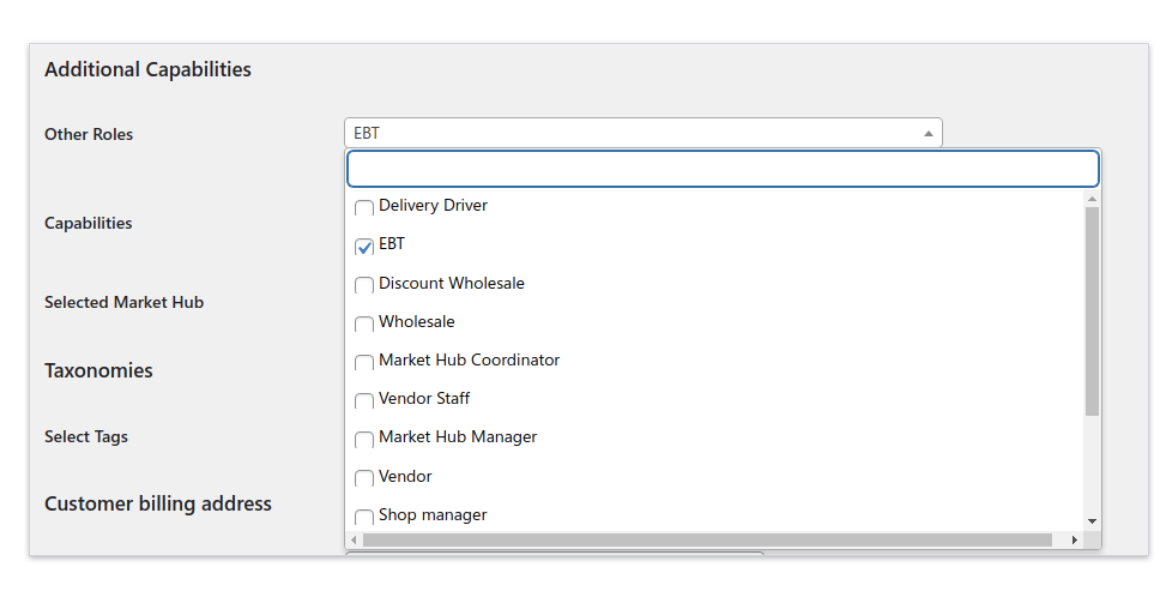
Scroll to the bottom of the page and click "Update User"
To remove an additional role from a user, click on "Other Roles" again and uncheck the selected role then click "Update User" again
Note: Don't add "Vendor" role to "Retail" or vice versa. Users wanting to be vendors need to create an account through the registration form in order for their account capabilities to be set up correctly.